Knowledgebases: Social Intelligence
Ecosystem
Transform static documentation into a living, breathing ecosystem.
SnapApp Knowledgebases go beyond simple wikis—they combine the structure of a professional database with the interactive pulse of a social network. Build a smarter workspace today.
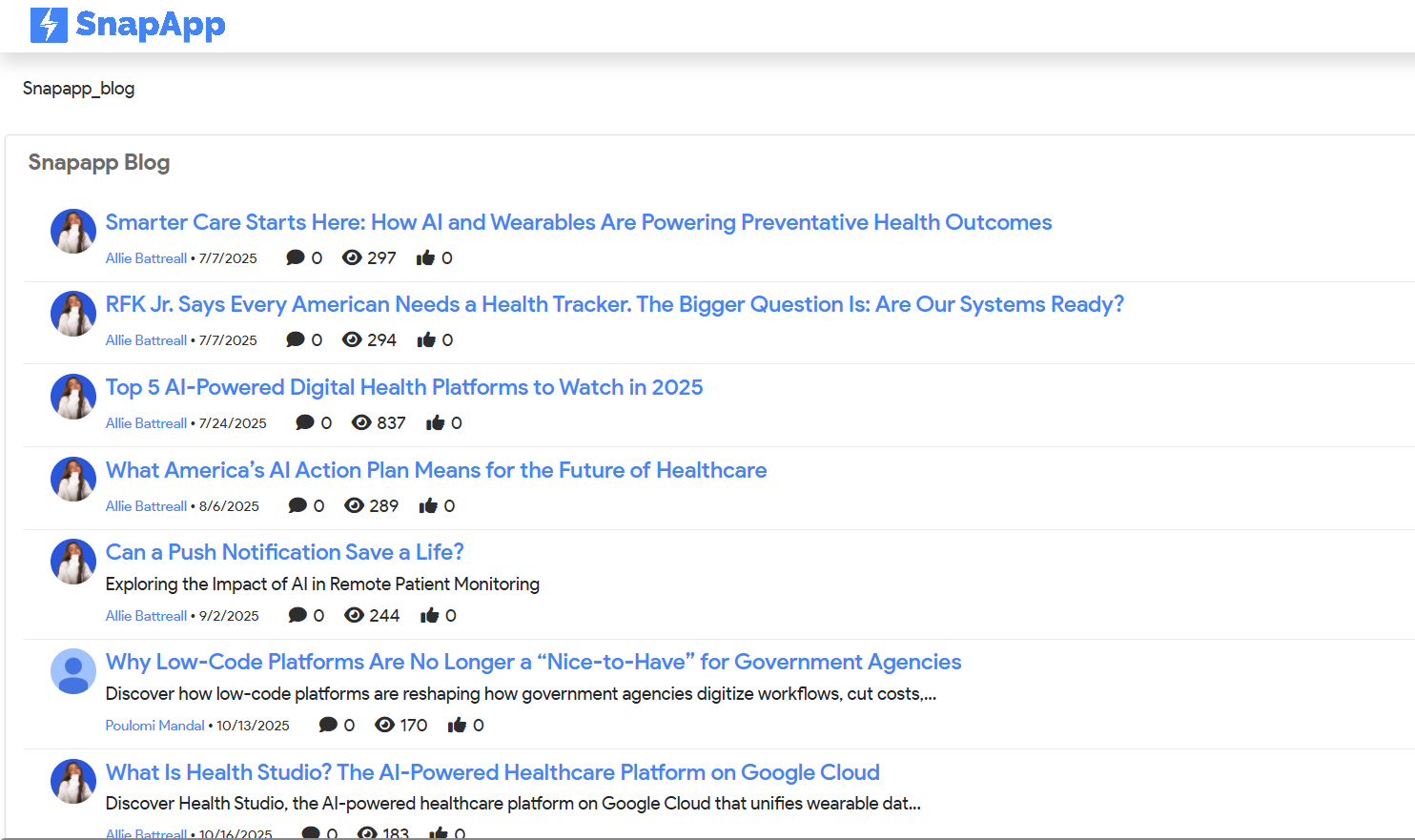
Why wait for a monthly meeting to share a breakthrough? Our Knowledgebases are built on a flexible NoSQL backend, designed to handle unstructured data like images, videos, and real-time interactions. It’s not just a place to store information; it’s a platform to discuss it.
Power of Social Collaboration
NoSQL Driven Ecosystem
Posts & Feeds
Stay updated with a real-time stream of activity. Whether it's a new "Tips & Tricks" article or a project update, everything is visible at a glance.
Following
Follow specific articles, categories, or experts to ensure you never miss an update on the topics that matter most to your role.
Smart Notifications
Get alerted the moment someone interacts with your content or shares a critical update.
@Mentions
Loop in the right people instantly. Tag a colleague to ask a question or highlight their expertise directly within an article.
#Hashtags
Organize content organically. Use hashtags to categorize posts and make cross-departmental searching effortless.
Bridge the Gap with Configurable Views
While Knowledgebases handle your social content, our Configurable Views handle your relational data. Enable Feed Tracking on any data record to bring social features to your standard tables. Comment on a specific sales lead, @mention a teammate on a support ticket, and keep the conversation right where the data lives.
Specialized Hubs
SnapApp gives you the tools to create specialized hubs for every team need.
Internal Wikis
Centralize company policies and SOPs in one accessible place.
Technical Docs
Version-controlled documentation built specifically for developers.
Q&A Forums
Self-sustaining communities where employees help one another.
Project Blogs
Share milestones and lessons learned in collaborative formats.
Frequent Answers & Questions
Difference between a standard View and Knowledgebase?
Standard Views use relational databases for structured tables. Knowledgebases use a NoSQL backend optimized for social data like long-form blogs, comments, and flexible media sharing.
Can I turn on social features for existing tables?
Yes! Enabling "Feed Tracking" in the View Editor adds a social sidebar to any record for comments and @mentions.
Who can create a Knowledgebase in SnapApp?
SnapApp is low-code. Depending on admin permissions, any user can create hubs for FAQs, blogs, or department tips.
How does the @Mention system work?
When you use the @ symbol followed by a name in a comment or post, the system automatically notifies that user. This is perfect for "Human-in-the-Loop" workflows where you need a specific expert to review an article or a data record.
Ready to build a smarter workspace?
Stop letting your company’s best ideas get lost in email threads and buried folders. Enable social intelligence for your team today.
Build Your Knowledgebase


